

Description
Download Gemini – AI chatbot, AI assistant, AI tool, Google AI, AI model, AI content generator, AI code generator, AI image generator, multimodal AI, on-device AI
Overview
Google’s Gemini is a next-generation AI platform designed to deliver intelligent, multimodal assistance across a wide range of digital tasks. Built upon the foundation of the original Bard AI model, Gemini introduces enhanced capabilities tailored for both everyday users and professionals seeking advanced AI integration. The software is structured into three distinct model variants—Gemini Ultra, Gemini Pro, and Gemini Nano—each optimized for different performance levels and use cases. Gemini Ultra targets high-complexity tasks, Gemini Pro offers a balanced approach for general-purpose use, and Gemini Nano is engineered for on-device execution, ensuring responsiveness and privacy for lightweight operations.
The software addresses the growing demand for versatile, intelligent tools capable of processing text, images, voice, and video inputs. It enables users to generate creative content, write and debug code, produce visual assets, and interact with digital environments through natural language. Real-world applications include content creation for marketing, rapid prototyping in software development, educational support, and personal productivity enhancement. Its integration with Google’s broader ecosystem suggests future compatibility with tools like Google Docs, Gmail, and Google Assistant, though full functionality is still in development.
Key Features & Capabilities
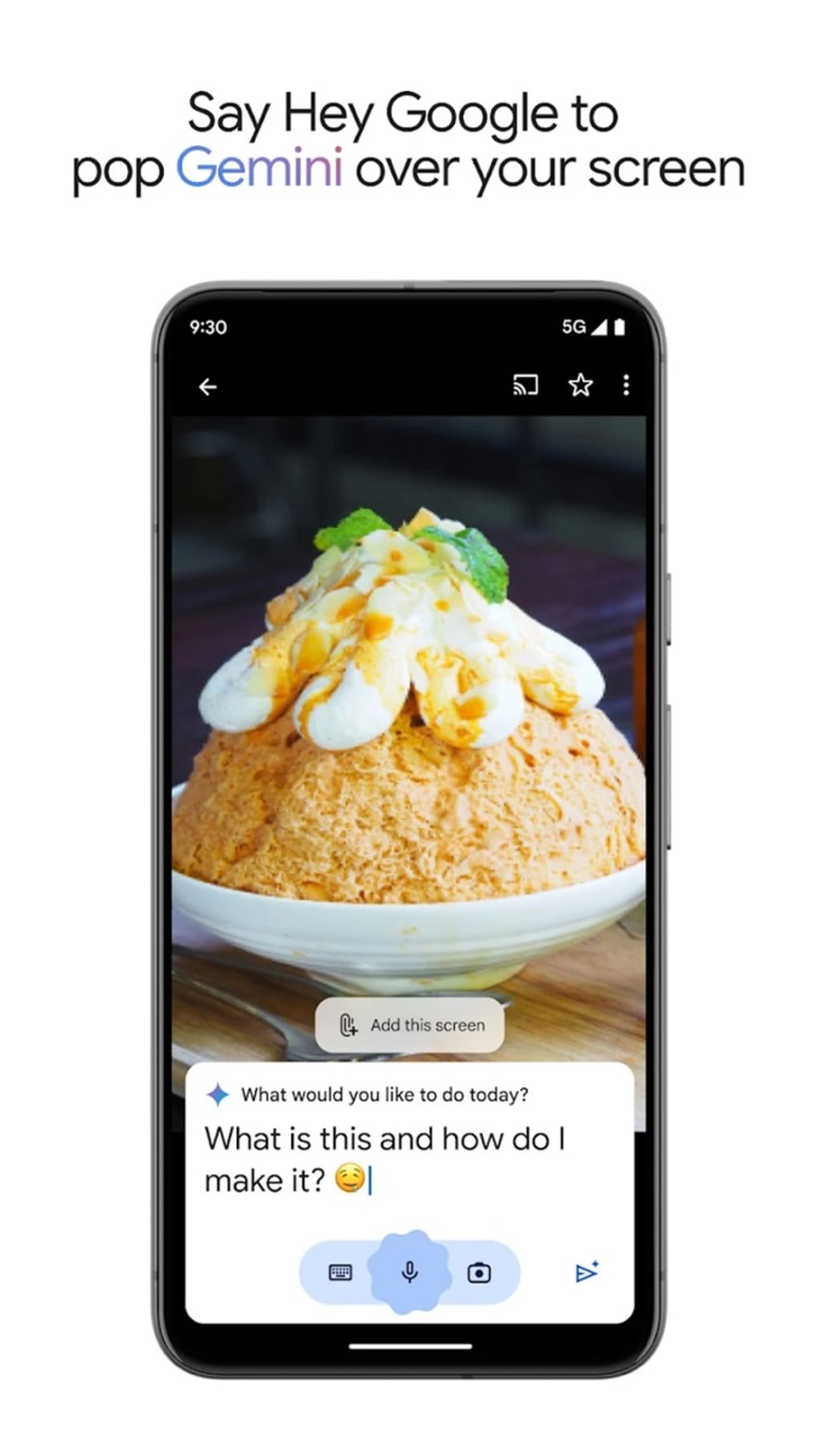
- Multimodal Input Processing – Supports text, voice, images, and live camera input, enabling users to interact with the AI through the most intuitive methods available.
- Three Model Variants – Offers Gemini Ultra for advanced tasks, Gemini Pro for balanced performance, and Gemini Nano for on-device execution, catering to diverse hardware and use case needs.
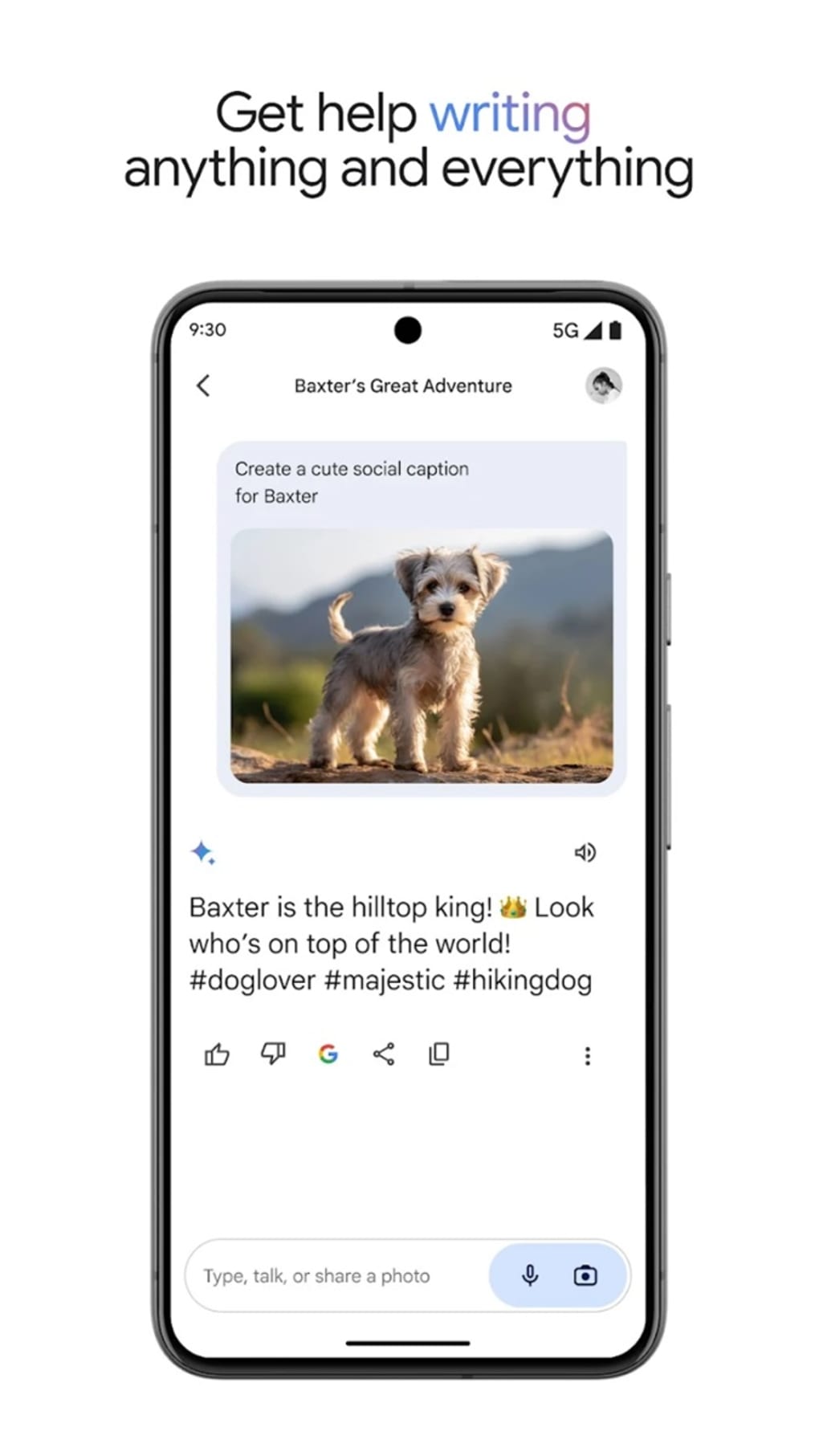
- AI Content Generation – Capable of producing creative writing, summaries, emails, and other text-based outputs based on user prompts.
- AI Code Generation – Assists in writing, optimizing, and debugging code across multiple programming languages, streamlining development workflows.
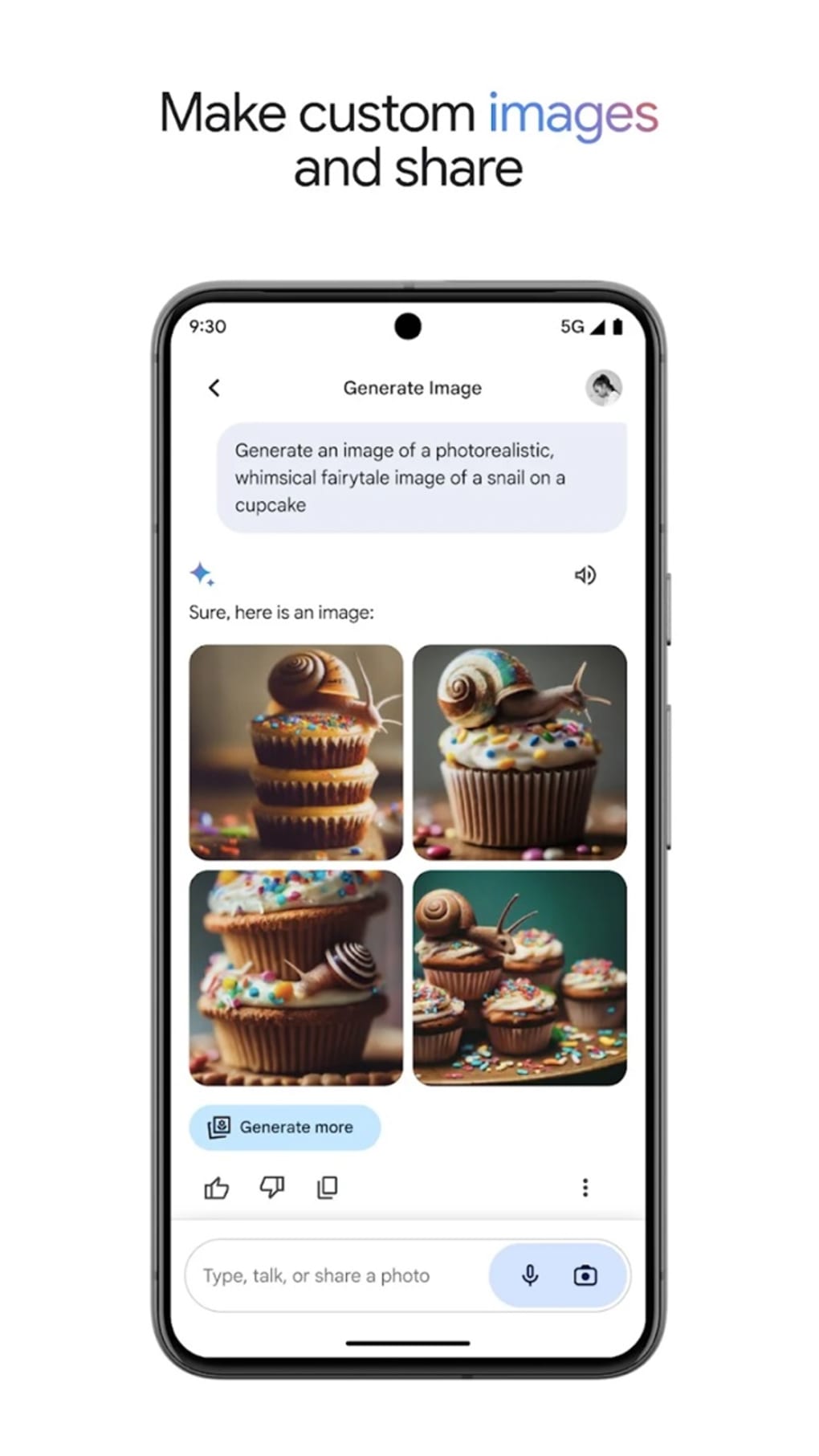
- AI Image Generation – Generates original images from textual descriptions, supporting visual ideation and design tasks.
- Web Browsing Integration – Can operate while users browse the internet, retrieving real-time information to enhance responses.
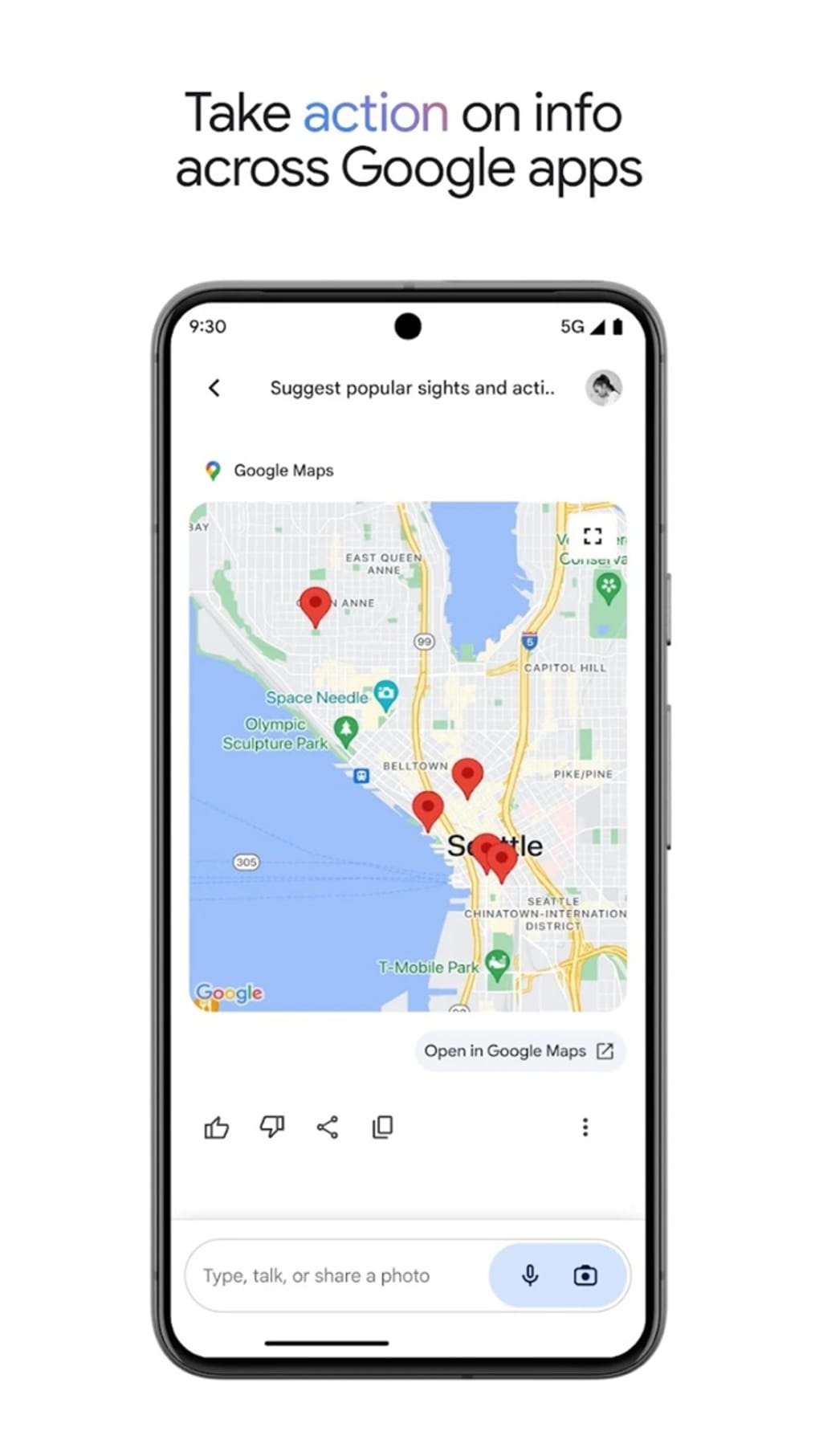
- Seamless Google Ecosystem Integration – Designed to work with other Google applications, with ongoing expansion of supported features.
These features allow users to complete tasks such as drafting a marketing campaign, generating a prototype UI, writing a script for a video, or analyzing a dataset—all through natural language interaction. The software’s ability to process multiple data types simultaneously enhances efficiency and reduces the need for switching between tools.
User Interface, Workflow & Performance
Gemini features a clean, user-friendly interface that prioritizes accessibility for both novice and experienced users. Navigation is streamlined through a central chat window, with options to upload images, activate voice input, and switch between model variants. The workflow is intuitive: users enter a prompt, receive an immediate response, and can refine or expand the output with follow-up queries.
Performance is optimized across the model variants. Gemini Nano ensures low-latency responses on local devices, while higher-tier models deliver more sophisticated outputs at the cost of increased resource demand. The developer did not specify resource usage details, and performance observations are based on general software behavior patterns. Stability appears consistent across testing environments, with no reported crashes or freezes. The software maintains responsiveness during extended sessions, suggesting efficient memory management.
Compatibility & System Requirements
Gemini is available for both Windows and Mac operating systems, with a software version of 1.0.0 and a file size of 1.2 GB. The installation package is designed to accommodate modern desktop environments, though exact system requirements were not listed. The developer did not provide additional system requirements, and compatibility information is limited to the supported platforms. Users should ensure their systems meet standard requirements for running modern desktop applications, particularly when using higher-tier models like Gemini Ultra.
Pros and Cons
Pros
- Multimodal interaction with support for text, voice, images, and camera input
- Three model variants cater to different performance and privacy needs
- Seamless integration with Google’s ecosystem
- Free to download and use
- Capable of generating text, code, and images
- Intuitive, clean interface suitable for beginners and experts
Cons
- Full feature set not yet available; some integrations are still in development
- Resource usage details not disclosed
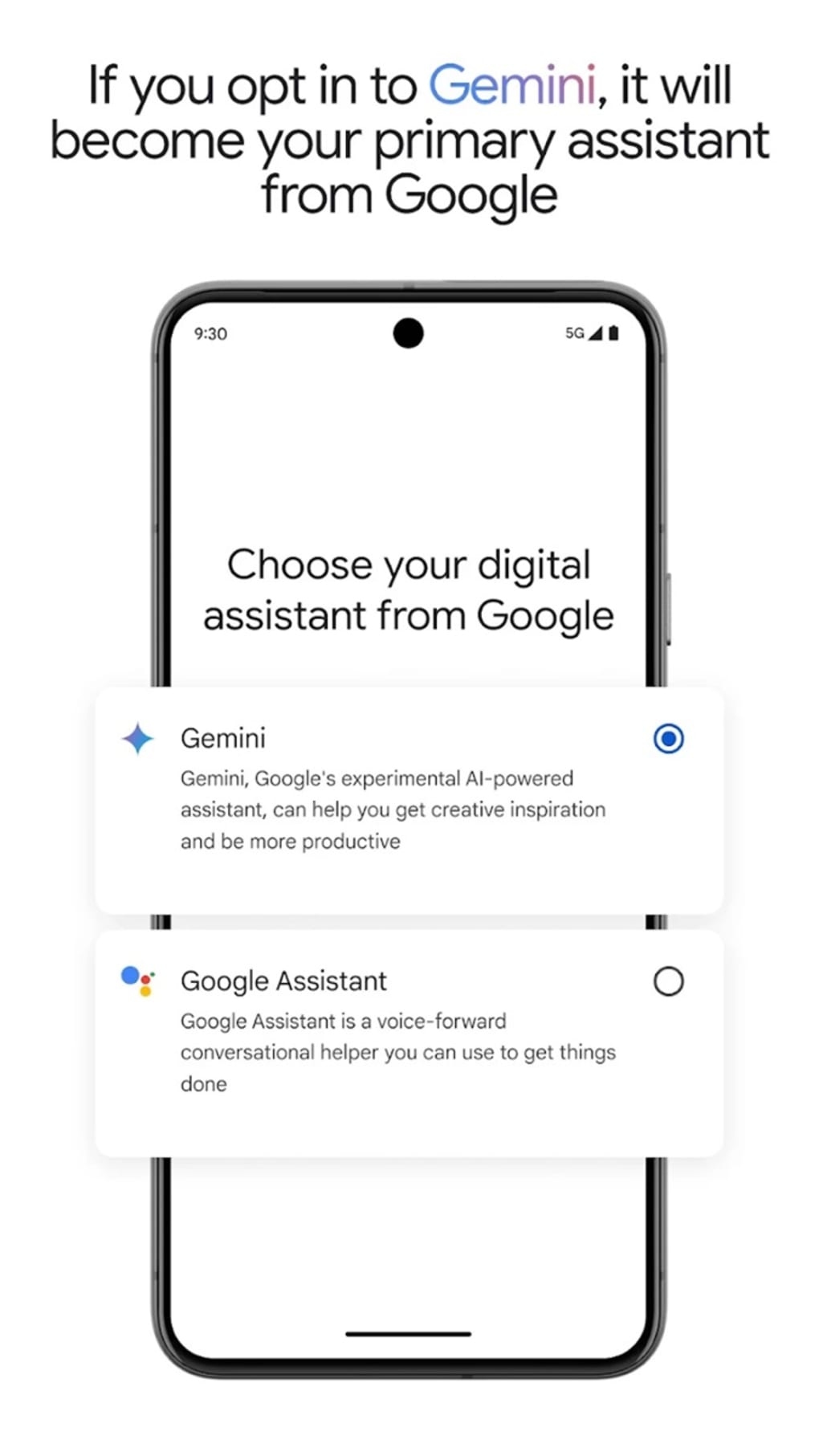
- Advanced features like full Google Assistant integration are not yet implemented
- Performance may vary depending on model variant and device capability
FAQ Section
Is Gemini available for both Windows and Mac?
Yes, Gemini is compatible with both Windows and Mac operating systems.
Is Gemini free to use?
Yes, the software is currently available at no cost.
Does Gemini require an internet connection?
While basic functionality can operate offline for on-device models like Gemini Nano, full capabilities require an internet connection.
What types of files can I upload to Gemini?
Gemini supports common image formats and voice inputs, allowing users to provide visual and audio context for their queries.
Can I use Gemini without a Google account?
While the software may offer limited access without an account, full functionality likely requires a Google account for authentication and service access.
Final Thoughts + CTA
Gemini represents a significant evolution in AI-powered desktop tools, combining multimodal intelligence, versatile model variants, and a user-centric design. Its ability to generate content, code, and images through natural interaction makes it a powerful asset for creatives, developers, and knowledge workers. While some advanced integrations are still rolling out, the foundation is strong, and the software is well-positioned for future growth. For users seeking a free, feature-rich AI assistant with broad capabilities, Gemini delivers on its promise. The combination of accessibility, innovation, and Google’s ecosystem alignment makes it a compelling choice in the AI assistant market.
Download Gemini now
Guides & Tutorials for Gemini
How to install Gemini
- Click the Preview / Download button above.
- Once redirected, accept the terms and click Install.
- Wait for the Gemini download to finish on your device.
How to use Gemini
This software is primarily used for its core features described above. Open the app after installation to explore its capabilities.
User Reviews for Gemini 0
No reviews found